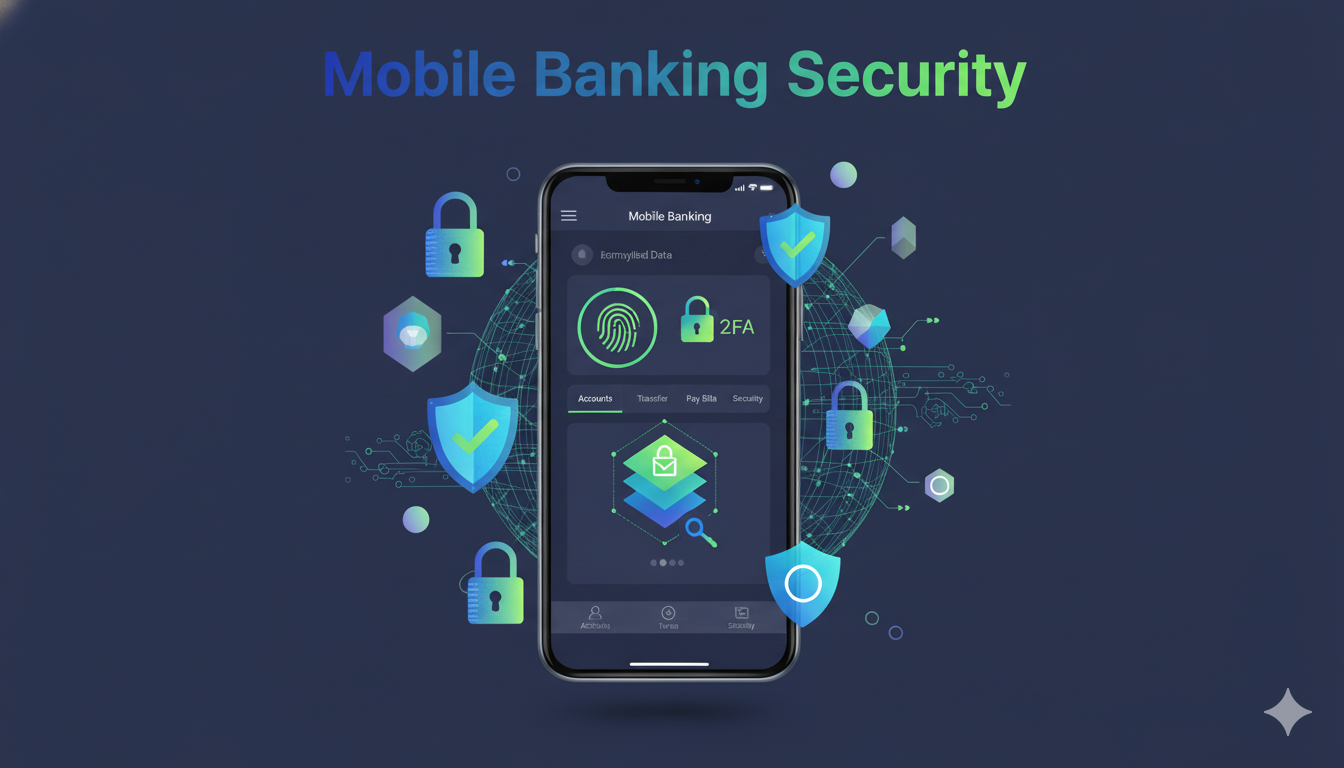
Mobile banking has transformed the way we manage our finances. With just a few taps on a smartphone, we can check balances, transfer funds, pay bills, and even invest. While this convenience is undeniable, it comes with significant responsibilities, especially regarding mobile banking security. Protecting your personal and financial information is crucial in an era where cyber threats are increasingly sophisticated. In this guide, we will cover everything you need to know to stay safe while using mobile banking apps.
What is Mobile Banking Security?
Mobile banking security refers to the measures, tools, and best practices designed to protect users’ financial data when accessing banking services on a smartphone or tablet. Unlike traditional banking, mobile banking introduces unique challenges, such as mobile malware, phishing attacks, and unsecured Wi-Fi networks. Ensuring strong mobile banking security is vital to prevent unauthorized access and financial loss.
Common Threats to Mobile Banking Security
Understanding potential threats is the first step toward protecting your mobile banking experience. Here are the most common risks:
1. Phishing Attacks
Cybercriminals often send fake emails or text messages that appear to come from your bank, tricking you into sharing login details. Always verify the sender’s information and never click on suspicious links.
2. Malware and Spyware
Malicious apps or infected files can secretly track your keystrokes, capture login credentials, or steal sensitive data. Avoid downloading apps from untrusted sources.
3. Unsecured Wi-Fi Networks
Public Wi-Fi networks are convenient but vulnerable. Hackers can intercept your data if you access your banking app while connected to an unsecured network.
4. SIM Card Swapping
A sophisticated attack where fraudsters trick mobile carriers into transferring your phone number to a new SIM card, allowing them to bypass two-factor authentication (2FA) and gain access to your bank accounts.
5. Outdated Mobile Devices and Apps
Using outdated apps or operating systems can leave your device exposed to security flaws that hackers exploit. Always keep your devices and banking apps updated.
Best Practices for Mobile Banking Security
Implementing proper safety measures is essential. Below are proven strategies for enhancing mobile banking security:
1. Use Strong, Unique Passwords
A strong password should include a mix of letters, numbers, and special characters. Avoid using easily guessable information, such as birthdays or phone numbers. Each banking app should have a unique password.
2. Enable Two-Factor Authentication (2FA)
2FA adds an extra layer of security by requiring a second verification method, such as a one-time code sent to your phone or email. This makes it harder for hackers to access your account even if they obtain your password.

3. Keep Your Apps and Device Updated
Regular updates patch security vulnerabilities and improve overall safety. Enable automatic updates for both your banking apps and your mobile device’s operating system.
4. Avoid Public Wi-Fi for Transactions
Public Wi-Fi networks are convenient but not secure. If you must access your banking app outside your home, use a trusted Virtual Private Network (VPN) to encrypt your internet connection.
5. Monitor Account Activity Regularly
Frequently review your bank statements and transaction history for any suspicious activity. Early detection can prevent significant financial loss.
6. Use Official Banking Apps
Always download your bank’s official mobile app from trusted sources like Google Play Store or Apple App Store. Avoid third-party apps claiming to provide banking services.
7. Be Cautious of Links and Attachments
Avoid clicking on links in emails, messages, or social media posts that claim to be from your bank. Phishing attacks often use fake websites to steal login credentials.
8. Secure Your Device
Use a strong device passcode, fingerprint, or facial recognition to lock your phone. Consider encrypting your device to add another layer of protection.
Advanced Mobile Banking Security Measures
For those seeking additional protection, advanced methods can enhance mobile banking security:
1. Biometric Authentication
Many modern banking apps support fingerprint or facial recognition. Biometric authentication provides stronger security than passwords alone, as these traits are unique to each individual.
2. Device Security Software
Install trusted security software on your device. Many apps can detect malware, spyware, or unauthorized access attempts, keeping your banking data safe.
3. Tokenization
Some banks use tokenization, replacing sensitive information like account numbers with unique tokens during transactions. This ensures that even if data is intercepted, it cannot be misused.

4. Real-Time Alerts
Enable instant alerts for account activity. Banks can send notifications for transactions, login attempts, or password changes, allowing you to act immediately if suspicious activity occurs.
5. Secure Mobile Browsers
If you access banking services via a web browser, choose one with robust security features, such as private browsing, anti-tracking, and encryption.
The Role of Banks in Mobile Banking Security
Banks play a critical role in maintaining mobile banking security. Most banks implement multiple layers of protection, including:
-
End-to-end encryption to protect data in transit.
-
Automatic fraud detection systems.
-
Security awareness campaigns to educate customers.
-
Regular app updates to address vulnerabilities.
Despite these measures, the responsibility also lies with the user to adopt safe practices. Security is most effective when both banks and users collaborate.
Mobile Banking Security Tips for Everyday Users
Here’s a checklist of practical actions every mobile banking user can take:
-
Set a strong password and change it periodically.

-
Enable two-factor authentication (2FA) on all accounts.
-
Avoid accessing your bank account on public or shared Wi-Fi.
-
Only download apps from official app stores.
-
Keep your smartphone and apps updated.
-
Install antivirus and security apps.
-
Monitor your accounts for suspicious activity.
-
Be cautious of phishing emails and messages.
-
Log out after completing transactions, especially on shared devices.
-
Use biometric authentication if your device supports it.
Following these simple steps can dramatically reduce the risk of cyber threats and enhance overall mobile banking security.

The Future of Mobile Banking Security
With the rise of mobile banking, security technologies are evolving rapidly. Some of the emerging trends include:
1. AI and Machine Learning
Artificial intelligence can detect unusual patterns in account activity and identify potential fraud faster than traditional systems.
2. Blockchain Technology
Blockchain offers secure, decentralized transaction systems that reduce the risk of hacking and unauthorized access.
3. Advanced Biometric Authentication
Future devices may include iris scanning, voice recognition, or even behavioral biometrics, providing even stronger authentication measures.
4. Integration of IoT Devices
Smart devices connected to mobile banking apps may provide personalized security alerts and advanced authentication, enhancing user safety.
As technology advances, mobile banking security will continue to adapt, providing safer and more seamless experiences for users.
Common Myths About Mobile Banking Security
There are many misconceptions about mobile banking security. Let’s address some of the most common myths:
-
Myth 1: Mobile banking is unsafe.
Reality: Mobile banking is safe if proper security measures are followed. Banks implement encryption and advanced security protocols. -
Myth 2: Antivirus apps are enough.
Reality: While antivirus apps are helpful, they are not a complete solution. Users must follow best practices, such as 2FA and avoiding public Wi-Fi. -
Myth 3: Only large accounts are targeted.
Reality: Cybercriminals target all accounts. Small accounts may seem less valuable, but hackers often use them for money laundering or testing fraud techniques.
-
Myth 4: Logging out isn’t necessary.
Reality: Always log out after transactions, especially on shared devices, to prevent unauthorized access.
Conclusion
Mobile banking has made managing finances easier than ever, but it comes with responsibilities. By understanding threats, implementing best practices, and leveraging advanced security tools, users can enjoy the convenience of mobile banking while staying protected.
Mobile banking security is not just about technology; it’s about awareness, vigilance, and responsible habits. Each user plays a vital role in safeguarding their financial information. With the tips and strategies outlined in this guide, you can confidently navigate the world of mobile banking with peace of mind.
FAQs About Mobile Banking Security
1. Is mobile banking safe?
Yes, mobile banking is generally safe if you follow security best practices like strong passwords, 2FA, and using official apps.
2. How can I protect my mobile banking account from hackers?
Use strong passwords, enable 2FA, avoid public Wi-Fi, keep your device updated, and install security software.
3. Can I use public Wi-Fi for mobile banking?
It is not recommended. Public Wi-Fi networks are unsecured and can expose your data to hackers. Use a VPN if necessary.
4. What should I do if my banking app is hacked?
Immediately contact your bank, change passwords, monitor account activity, and report any unauthorized transactions.
5. Are biometric features like fingerprint or facial recognition secure?
Yes, biometric authentication adds an extra layer of security and is generally more secure than passwords alone.